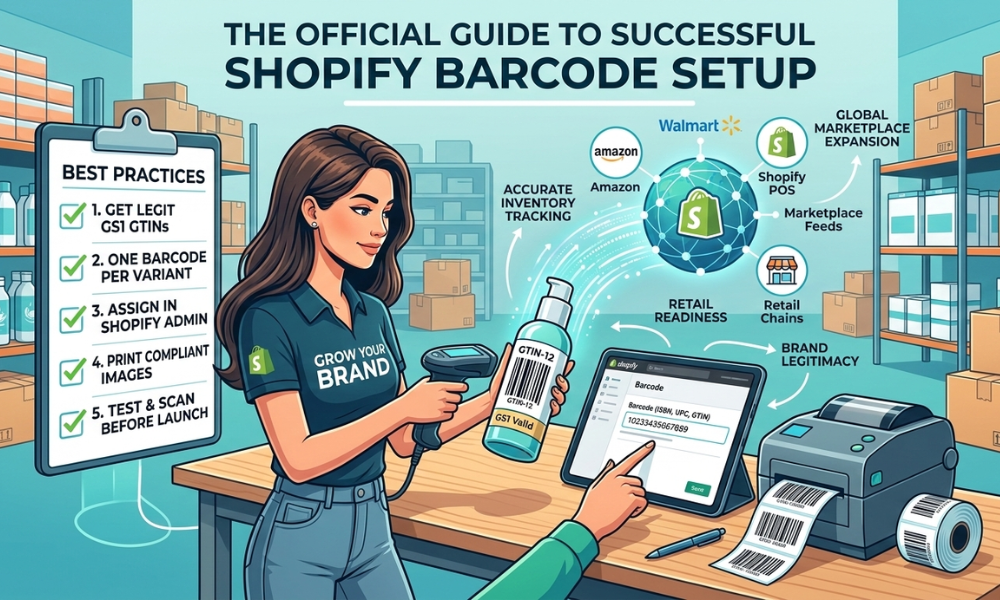
If you are building a serious ecommerce brand on Shopify, proper Shopify barcode setup is not optional, it is part of your growth infrastructure.
Whether you plan to:
- Sell on marketplaces
- Use Shopify POS
- Enter retail stores
- Manage multiple product variants
- Scale internationally
You need correctly structured and properly assigned GTIN barcodes.
This guide explains how to generate barcodes, how to assign barcodes inside Shopify, and how to ensure they are marketplace ready.
Why Proper Barcode Setup Matters for Shopify Sellers
Barcodes are more than black lines on packaging. They are global product identifiers that connect your Shopify store to:
- Marketplaces
- Retailers
- Warehouses
- Fulfillment centers
- Advertising platforms
When structured correctly, barcodes help:
- Prevent listing errors
- Improve inventory accuracy
- Enable marketplace expansion
- Protect brand ownership
- Streamline POS checkout
Professional ecommerce sellers treat GTINs as long-term assets.
Understand What Type of Barcode You Need
Before generating anything, you must know which barcode format applies to your business.
The most common formats are:
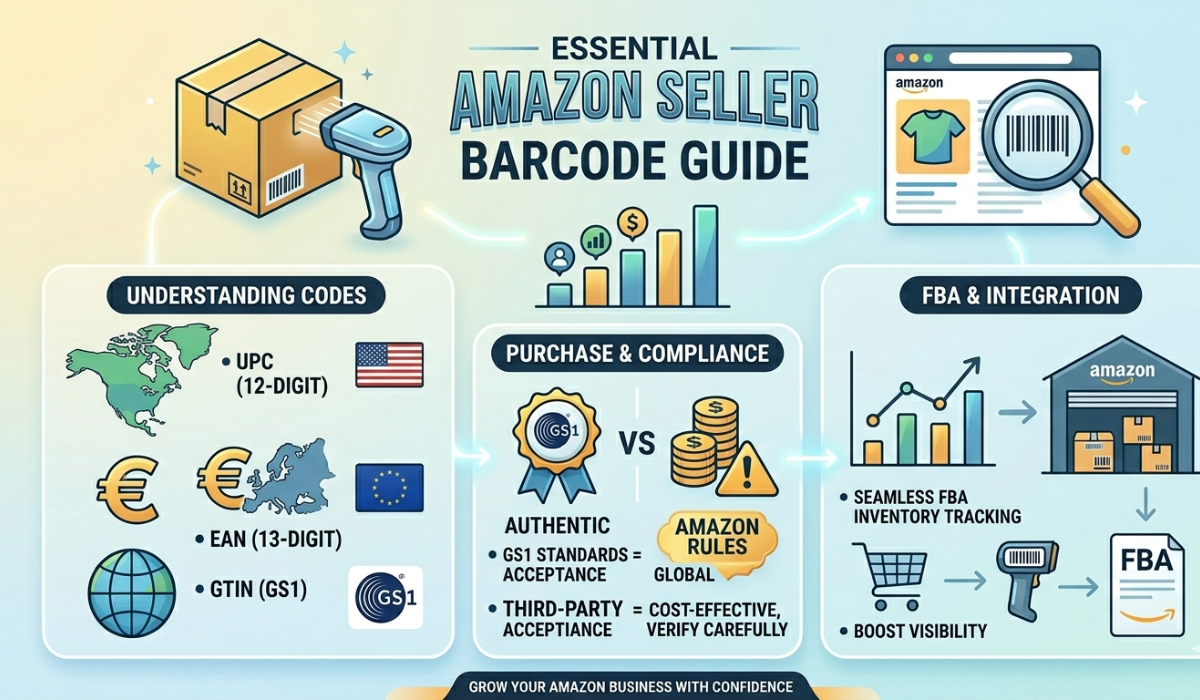
UPC (GTIN-12)
Primarily used in North America.
EAN (GTIN-13)
Used internationally across Europe, UK, Asia, and global markets. Both are issued under global standards managed by GS1.
If you plan to sell on platforms like:
- Amazon
- Walmart
You must ensure your GTIN is valid and properly registered.
Generate Legitimate GTIN Barcodes
There are two parts to generating a barcode:
- Obtaining a unique GTIN number
- Converting that number into a scannable barcode image
What Makes a Barcode Legitimate?
A legitimate barcode must:
- Be globally unique
- Be assigned only once
- Match your brand name
- Pass checksum validation
- Be recognized in global databases
Using random Shopify barcode generators without a valid GTIN foundation can lead to marketplace rejection and retail refusal.
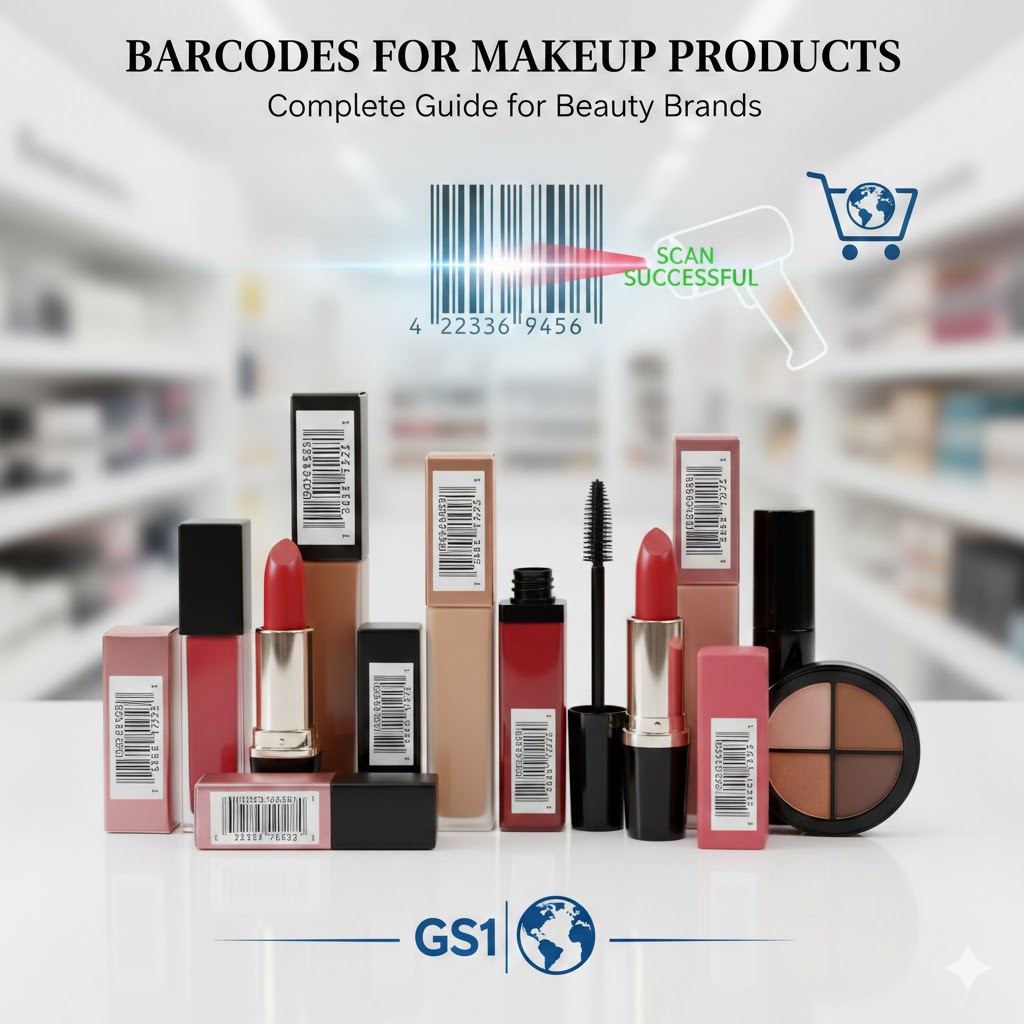
For growing Shopify brands, Buy GS1 barcode because authenticity directly affects approval and expansion.
Assign Unique Barcodes to Each Product Variant
This is where many sellers make mistakes. Each unique product variation requires its own GTIN.
For example:
If you sell:
- 3 T-shirt sizes
- 4 colors
You need 12 unique barcodes.
If you sell:
- 8 lipstick shades
- 2 bundle kits
You need 10 unique GTINs.
Why?
Because inventory systems identify each variation separately. Reusing barcodes across variants can cause:
- Inventory mismatches
- Marketplace conflicts
- Duplicate listing errors
- Retail scanning confusion
Professional inventory structure starts with proper barcode assignment.
Add Barcodes Inside Shopify (Correct Way)
Once you have valid GTINs, you must assign them correctly.
How to Assign a Barcode in Shopify:
- Go to Products in Shopify Admin
- Select the product
- Scroll to the Inventory section
- Locate the Barcode (ISBN, UPC, GTIN, etc.) field
- Enter the full GTIN number
- Save changes
If the product has multiple variants:
- Click each variant
- Enter the unique barcode for that specific variation
This ensures:
- Accurate inventory tracking
- Clean data feeds
- POS scanning compatibility
- Marketplace sync readiness
Generate Barcode Images for Packaging
After assigning the number in Shopify, you need a scannable image for packaging.
A barcode image must:
- Have correct quiet zones
- Maintain high contrast (black on white)
- Follow size guidelines
- Be print-tested before mass production
Always test the barcode with:
- A handheld scanner
- Shopify POS scanner
- Mobile scanning apps
Testing prevents costly packaging reprints.
Prepare Barcodes for Marketplace Integration
If you plan to expand beyond Shopify. Barcodes must match your product details exactly.
Marketplace systems verify:
- Brand name
- GTIN ownership
- Product uniqueness
Errors like:
- “GTIN does not match brand”
- “Invalid product identifier”
- “Duplicate barcode detected”
Often happens when barcodes are improperly structured. Correct generation and assignment eliminate these issues before they occur.
Advanced Setup Barcode Strategy for Scaling Brands
As your Shopify store grows, you may:
- Work with 3PL warehouses
- Integrate ERP systems
- Expand to global markets
- Supply retail chains
Barcodes act as the universal language connecting all systems.
Large scale ecommerce operations rely on structured GTIN allocation to:
- Organize product lines
- Manage product families
- Track performance per variant
- Simplify logistics
Planning your barcode structure early supports long-term scalability.
Common Mistakes Shopify Sellers Make
Avoid these costly errors:
- Using one barcode for multiple variants
- Buying unverified reseller codes
- Skipping barcode testing before printing
- Assigning barcodes after packaging production
- Using random online barcode images
Each mistake can delay expansion and create compliance problems.
How Proper Barcode Setup Increases Shopify Sales
GS1 Barcodes directly support revenue growth by:
Enabling Marketplace Sales
Expanding to Amazon and Walmart increases visibility and revenue channels.
Supporting Retail Distribution
Retail placement multiplies exposure beyond online traffic.
Improving Inventory Accuracy
Accurate stock prevents overselling and lost sales.
Speeding Up Checkout
Faster POS transactions improve customer experience.
Strengthening Brand Credibility
Registered product identifiers build trust with partners. Barcodes are growth tools not just technical requirements.
Why Professional Shopify Sellers Secure Barcodes Early
Scaling brands think long term. Securing proper GTINs before large production runs prevents:
- Costly re-labeling
- Listing removal
- Retail onboarding delays
- Brand registry complications
Ecommerce infrastructure should be built before expansion, not after problems arise.
Final Thoughts: Set Up Your Shopify Barcodes the Right Way
If your Shopify store is built for growth, expansion, and professional retail integration, proper barcode generation and assignment is essential to sell on Shopify.
To recap:
- Obtain legitimate GTIN numbers
- Assign one barcode per variant
- Add barcodes correctly inside Shopify
- Generate compliant barcode images
- Test before mass production
- Prepare for marketplace integration
GS1 Barcodes are not just numbers, they are the backbone of scalable ecommerce. If you are preparing your Shopify products for marketplace approval, retail distribution, or POS operations, now is the time to structure your barcode system correctly.