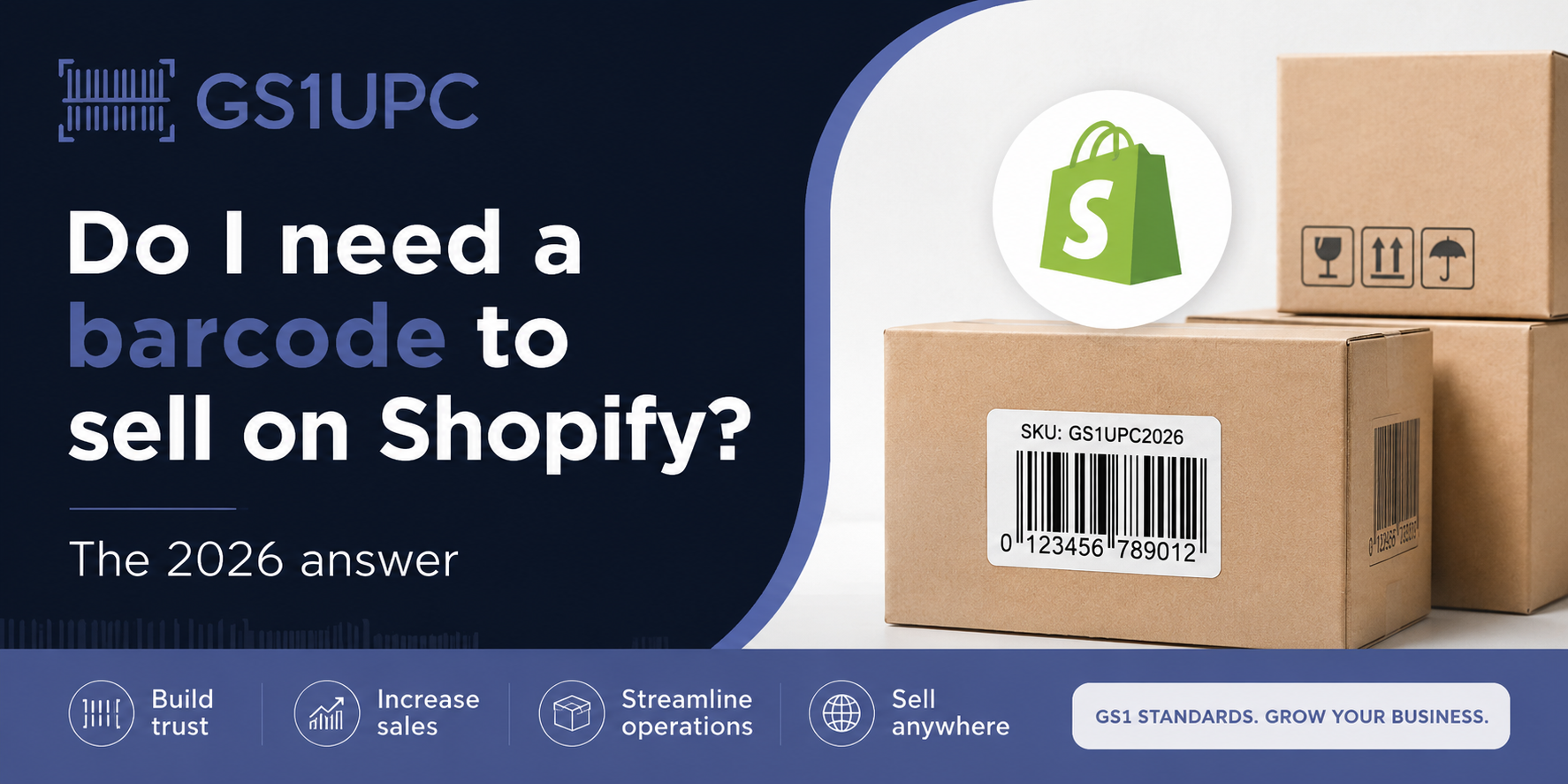
Shopify does not require a barcode to open a store or list products. However, a GS1-compliant UPC or EAN barcode becomes effectively required the moment you use Shopify POS, sync products to Google Shopping, sell on Amazon, or work with wholesale buyers. You can start without one, but you will almost certainly need one to grow.
What Is a Barcode and Why Does Shopify Use It?
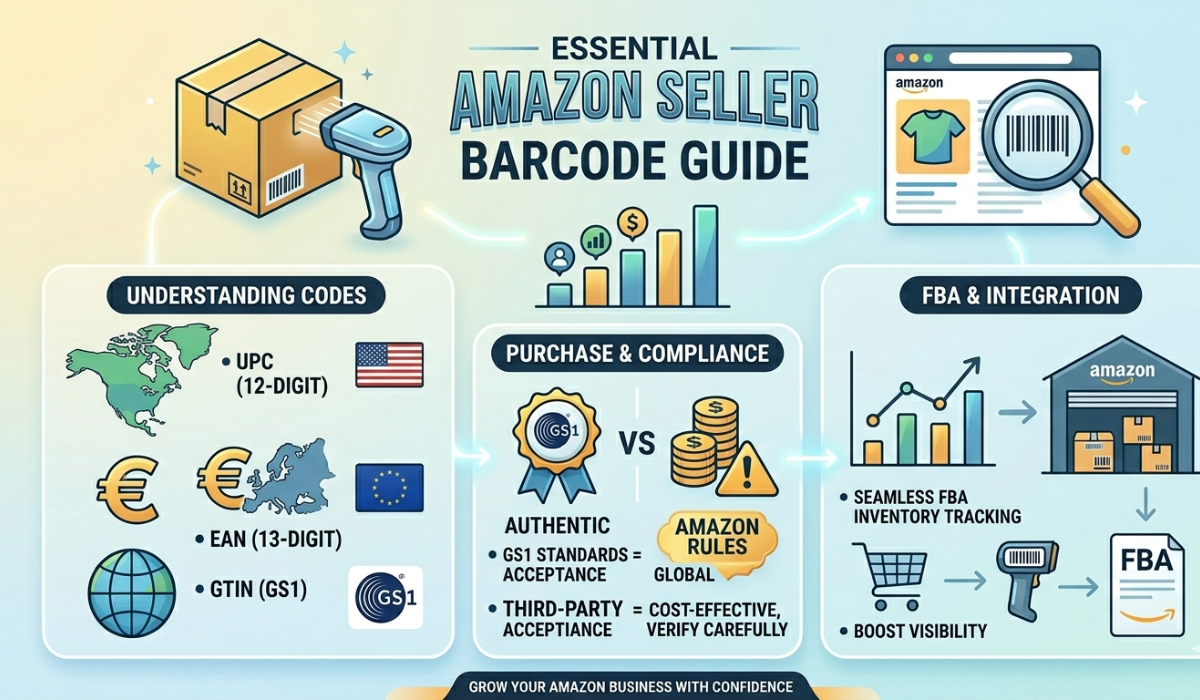
A barcode is a machine-readable product identifier. In retail, the two dominant standards are UPC (Universal Product Code), a 12-digit code used mainly in North America, and EAN (European Article Number), a 13-digit code used globally. Both are types of GTIN (Global Trade Item Number), the universal system managed by GS1, the international standards organisation.
Shopify includes a dedicated barcode field on every product listing. This field is used to identify products across sales channels, power the Shopify POS scanner in physical stores, feed product data to Google Shopping and Facebook Catalogue, support wholesale and B2B order processing, and integrate with third-party inventory and fulfilment apps.
Shopify will not refuse to publish your listing if the barcode field is empty. But every channel beyond your own storefront increasingly demands a valid GTIN.
When You Absolutely Need a Barcode on Shopify
A barcode shifts from optional to essential in several clear situations.
Shopify POS: If you sell at a physical retail location, market stall, or pop-up shop using Shopify's point-of-sale system, your products must have a scannable barcode printed on the packaging. There is no workaround.
Google Shopping: Google requires a valid GTIN for most product categories in its Merchant Centre. Products listed without one receive reduced impressions or are disapproved entirely. If you plan to run Google Shopping ads from your Shopify store, a barcode is non-negotiable in 2026.
Amazon and other marketplaces: Amazon requires a GS1-issued GTIN for all new product listings. Facebook and Instagram Shopping also require GTINs to unlock the full features of their product catalogues.
Wholesale buyers: Any retailer or distributor placing wholesale orders through your Shopify store will need barcodes on your products. Their own POS and warehouse management systems scan barcodes to receive, pick, and ship stock.
Third-party fulfilment: If you use a 3PL warehouse to store and ship your products, they will require barcodes on every item and carton to manage your inventory accurately.
When a Barcode Is Optional on Shopify
There are genuine situations where you can operate a profitable Shopify store without a barcode.
Handmade or bespoke items: Google offers GTIN exemptions for truly unique, one-of-a-kind products. Artisan sellers who make items to order often qualify.
Digital products: eBooks, online courses, software licences, and downloadable assets have no physical barcode requirement.
Services: Consulting packages, memberships, and coaching programmes sold through Shopify do not need a barcode.
Early-stage direct-to-consumer testing: If you are validating product-market fit on a single-product store before investing in retail distribution, you can defer the barcode purchase. Just plan ahead so you are not re-labelling hundreds of units once you scale.
Which Barcode Should You Use for Shopify?
Shopify accepts both UPC-A and EAN-13 barcodes in its barcode field. The choice depends on where you sell.
UPC-A (12 digits): Best for brands selling primarily in the United States and Canada. Major American retailers such as Walmart, Target, and Costco all require UPC. You can buy UPC barcodes at gs1upc.net/buy-barcodes starting at $10 per barcode.
EAN-13 (13 digits): Best for brands selling globally, particularly in Europe, the Middle East, Asia, and Australia. EAN-13 is accepted by Shopify worldwide and most modern retail POS systems can scan both UPC and EAN. If you plan to sell internationally from day one, EAN is the smarter starting point.
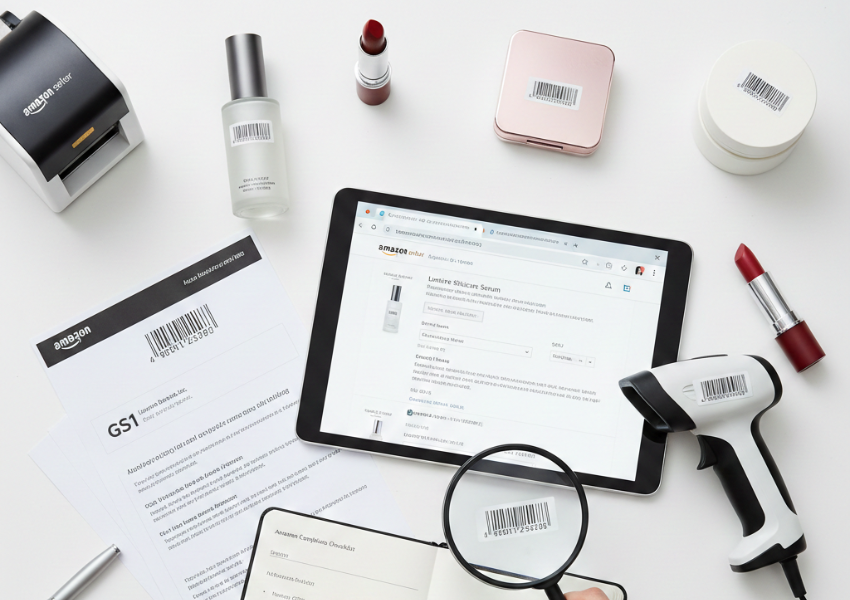
One important note on compliance: Shopify, Google, Amazon, and physical retailers do not just want any barcode number. They want a GS1-verified GTIN that is registered to your brand and traceable in the GS1 database. Cheap resold or randomly generated barcodes may scan correctly but will fail marketplace verification checks. Always source barcodes from a GS1-authorised supplier.
How Many Barcodes Do You Need?
Each unique product variant requires its own barcode. On Shopify, a variant is any combination of product options such as size, colour, material, or scent. The rule is simple: one barcode per unique SKU.
For example, a T-shirt sold in three colours and four sizes needs 12 separate barcodes, one per size-colour combination. A single-flavour protein powder available in only one size needs just one. A candle line with five scents in two sizes each needs ten.
You can use the free barcode estimator tool at gs1upc.net/buy-barcodes to calculate exactly how many codes your product range needs before you purchase.
How to Get Barcodes for Your Shopify Store in 2026
Getting barcodes for your Shopify store is now faster and more affordable than ever. Here is the recommended process.
1. Count your variants. List every unique size, colour, or flavour combination you plan to sell. Each combination needs its own barcode.
2. Choose UPC or EAN. Selling mainly in North America? Go with UPC. Selling globally? Go with EAN, which is accepted by Shopify in all regions.
3. Buy from a GS1-authorised source. Visit gs1upc.net/buy-barcodes to purchase GS1-compliant UPC and EAN barcodes. Codes start at $10 with no annual renewal fees and are delivered instantly via email in PNG, JPG, SVG, and PDF formats.
4. Add barcodes to your Shopify products. In Shopify Admin, go to Products, open your product, scroll to the Variants section, and paste the barcode into the Barcode field for each variant.
5. Add the barcode to your packaging. Print the barcode image on your product labels, hang tags, or packaging. Use the high-resolution files from GS1UPC to ensure clean scans.
6. Verify your Google Merchant Centre feed. If you run Google Shopping ads, confirm the GTIN field is populated in your product feed and that Google has approved the listings.
Industry-Specific Notes
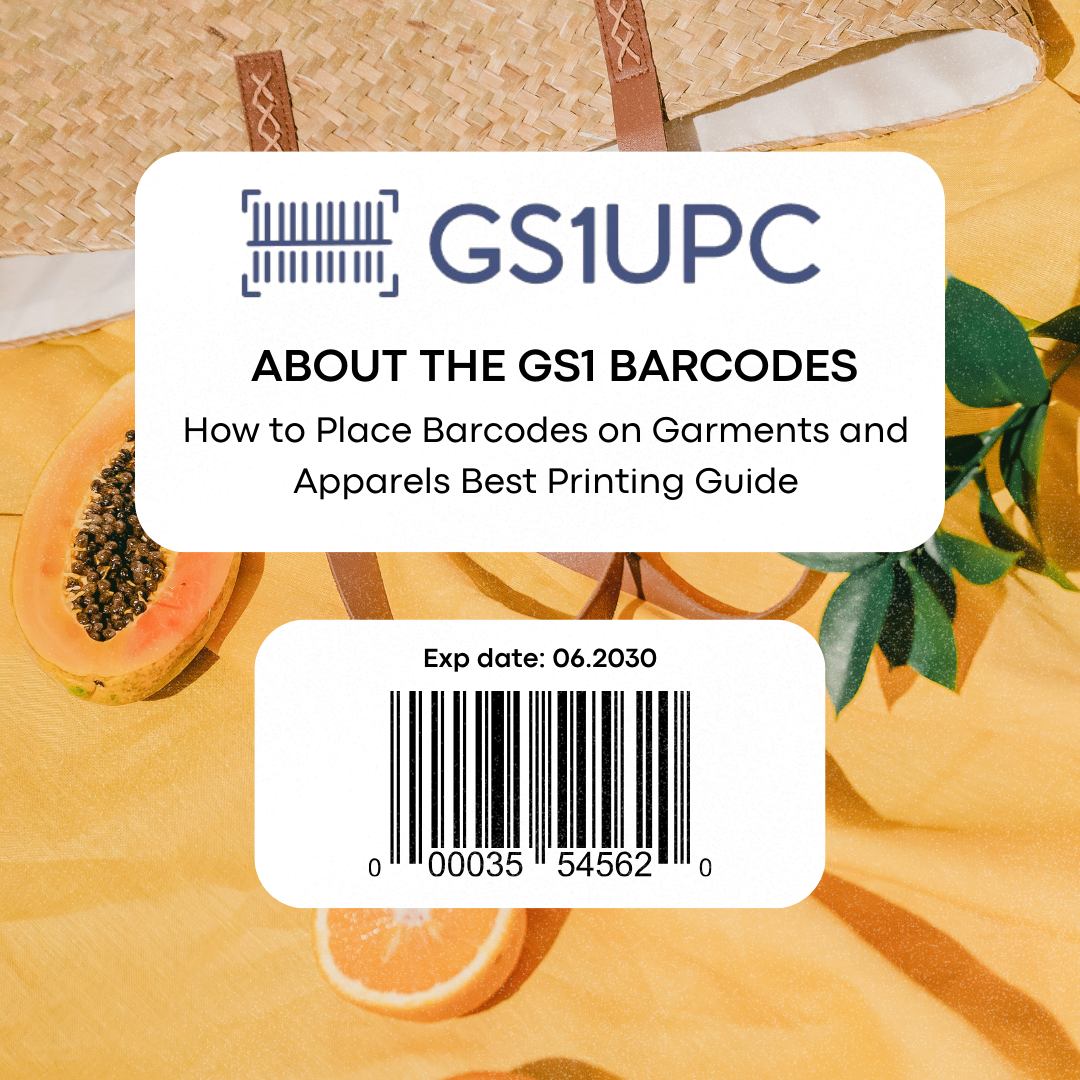
If you sell clothing or apparel, GS1UPC has a dedicated guide at gs1upc.net/barcodes-for-garments that covers how to assign barcodes across size and colour variants, print them on garment tags, and meet the requirements of major fashion retailers.
If you sell food, cosmetics, or beverages, the same GS1 standard applies. Each flavour, scent, or size variation needs its own barcode. GS1UPC provides category-specific guidance on its website to help you structure your barcode strategy correctly from the start.
Frequently Asked Questions
Do I need a barcode to sell on Shopify?
Shopify does not force you to enter a barcode to publish a product. However, if you use Shopify POS, sync to Google Shopping, sell on Amazon, or deal with wholesale buyers, a GS1-compliant UPC or EAN barcode is effectively required. Most growing Shopify brands need barcodes within their first year.
Can I use the same barcode for multiple variants?
No. Each product variant must have its own unique barcode. Reusing barcodes across different sizes or colours causes inventory errors and listing conflicts, and may result in rejection by retail partners.
How much do barcodes cost for Shopify?
GS1-compliant barcodes from GS1UPC start at $10 per barcode with no annual renewal fees. This is a one-time, lifetime purchase and far cheaper than a full GS1 membership, which can cost hundreds to thousands of dollars per year.
Does Shopify verify barcodes?
Shopify itself stores whatever number you enter without validating it. However, when Shopify syncs your products to Google Shopping or other sales channels, those platforms run GTIN verification against the GS1 database. Invalid or unregistered barcodes will fail that check.
Can I use a QR code instead of a UPC barcode?
No. QR codes link to URLs and are used for marketing purposes, not retail identification. They cannot replace UPC or EAN barcodes in Shopify's GTIN field and are not accepted by retail POS systems or marketplace verification tools.
Conclusion
The answer to whether you need a barcode to sell on Shopify in 2026 depends on where and how you want to sell. If you are running a small direct-to-consumer store with no plans for physical retail, marketplaces, or wholesale, you can technically launch without one.
But if you have any ambition to use Shopify POS, run Google Shopping campaigns, list on Amazon, or land wholesale accounts, a GS1-compliant UPC or EAN barcode is the foundation of your product's identity across every channel.
Given that barcodes start at $10 with no recurring fees, there is no financial reason to delay. Visit gs1upc.net/buy-barcodes, buy your codes, enter them in Shopify, print them on your packaging, and unlock every sales channel from day one.